Update Checker
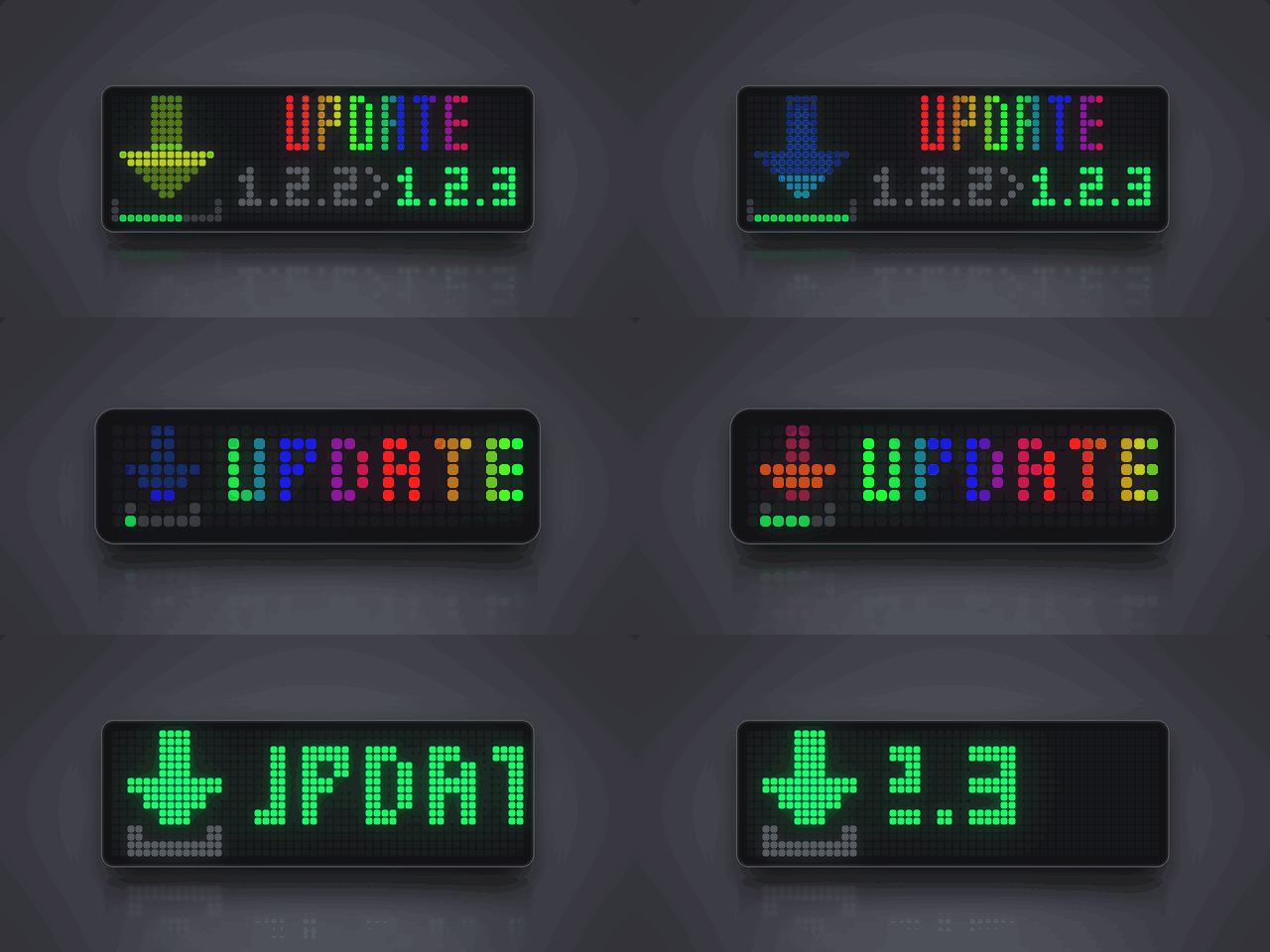
On your display
Shows up in your rotation only when a newer AWTRIX NG release is out.
- Topic
- Miscellaneous
- Includes
- Script
Runs on
- Runs on 32×8 (TC001 & DIY) 32×8 (TC001 & DIY) version
- Runs on 52×16 (TC002)
- Does not run on 32×8 with AWTRIX 3 (TC001 & DIY) Made for AWTRIX NG.
Choose your display in the next step.
Script description
Stays out of sight until a newer AWTRIX NG is out. The app asks GitHub for the latest published release and compares it with the firmware on your clock. While you are up to date it skips its turn in the rotation, so it costs you nothing.
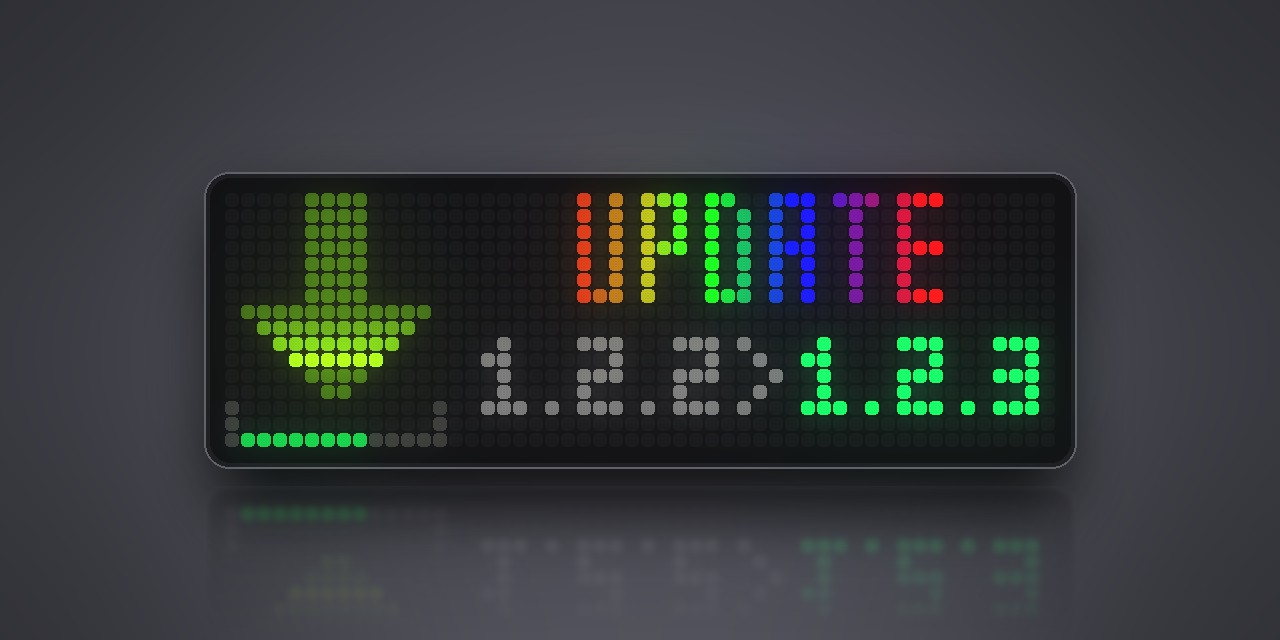
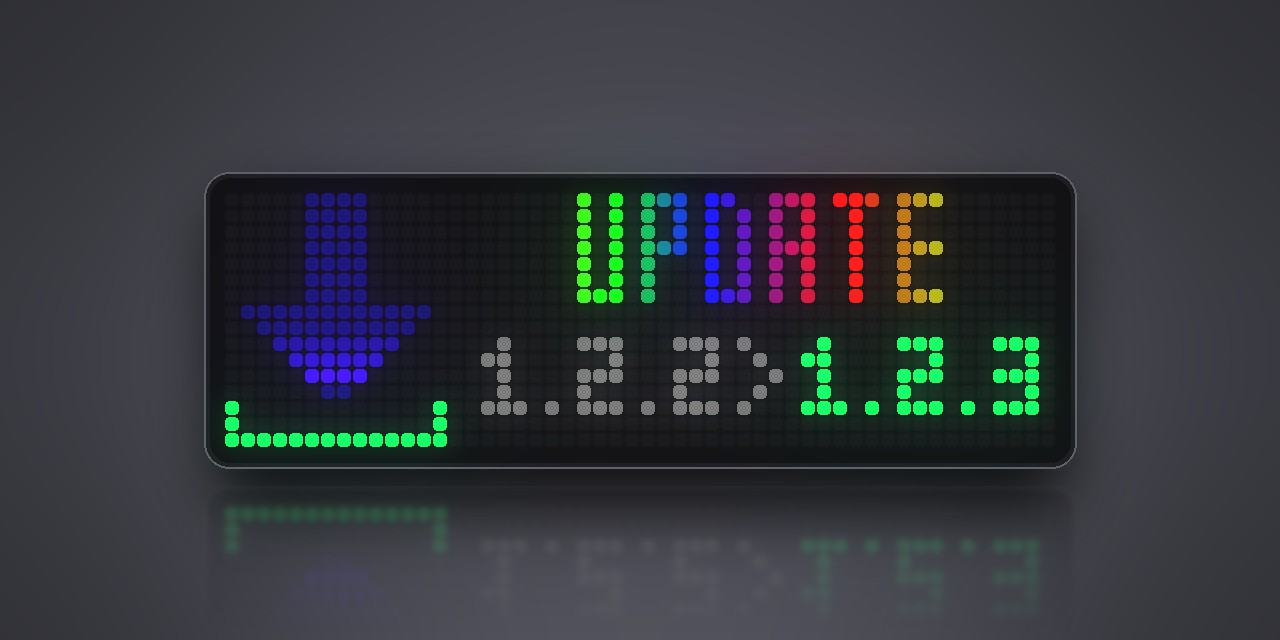
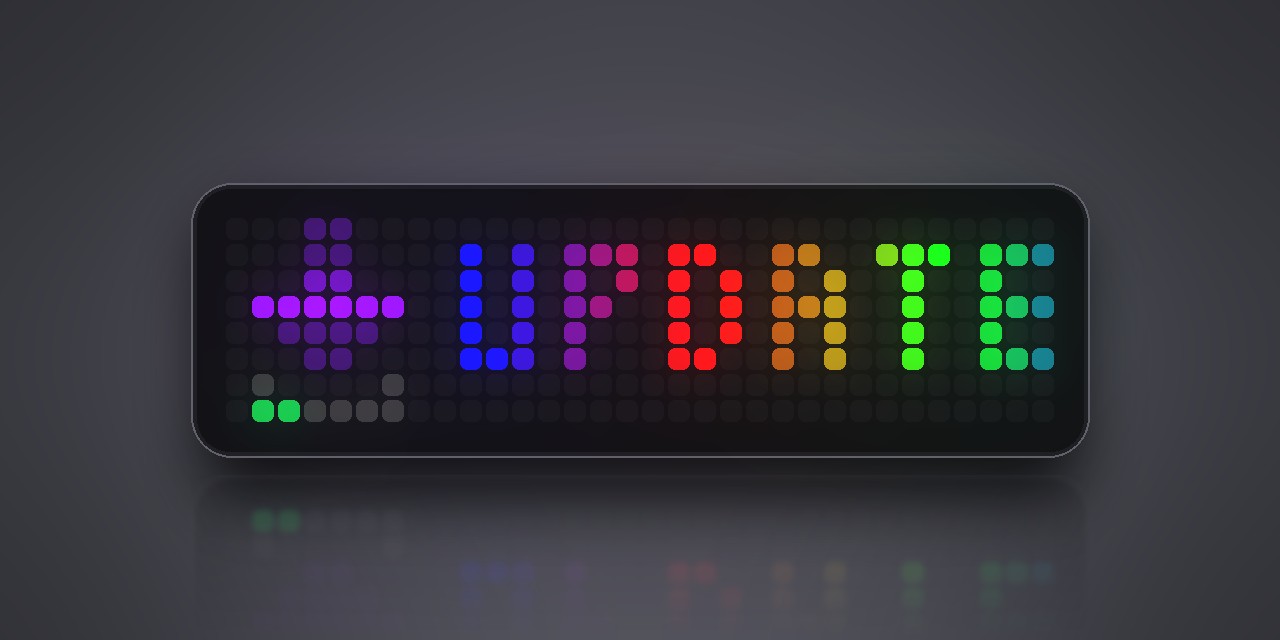
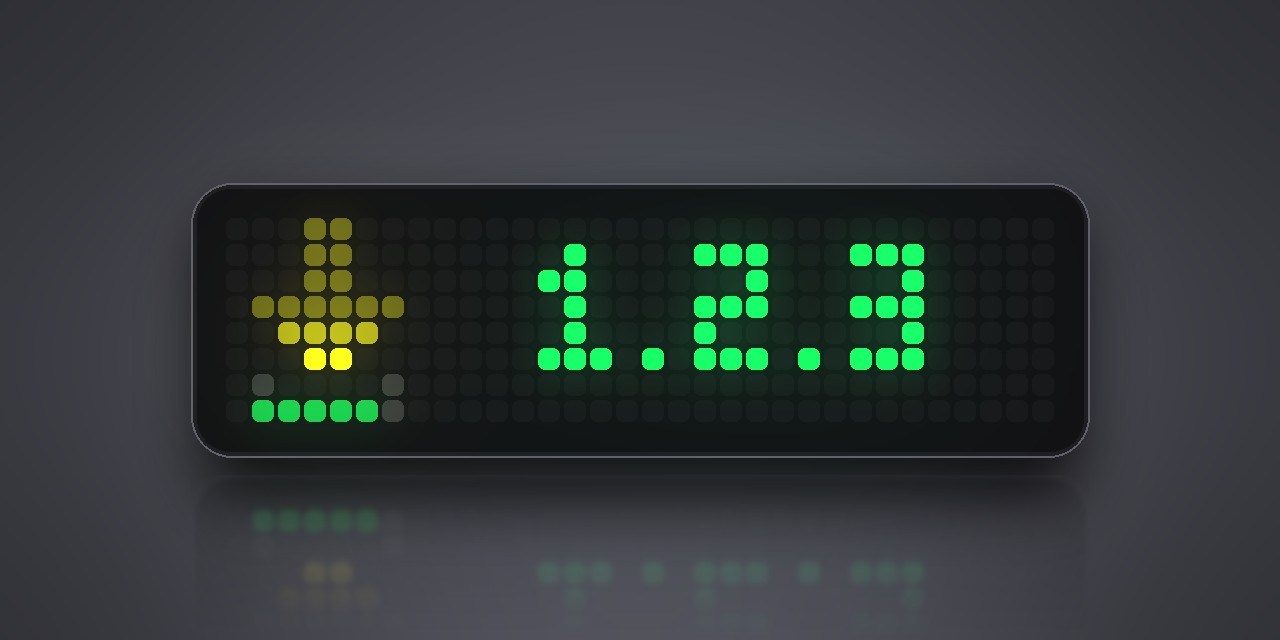
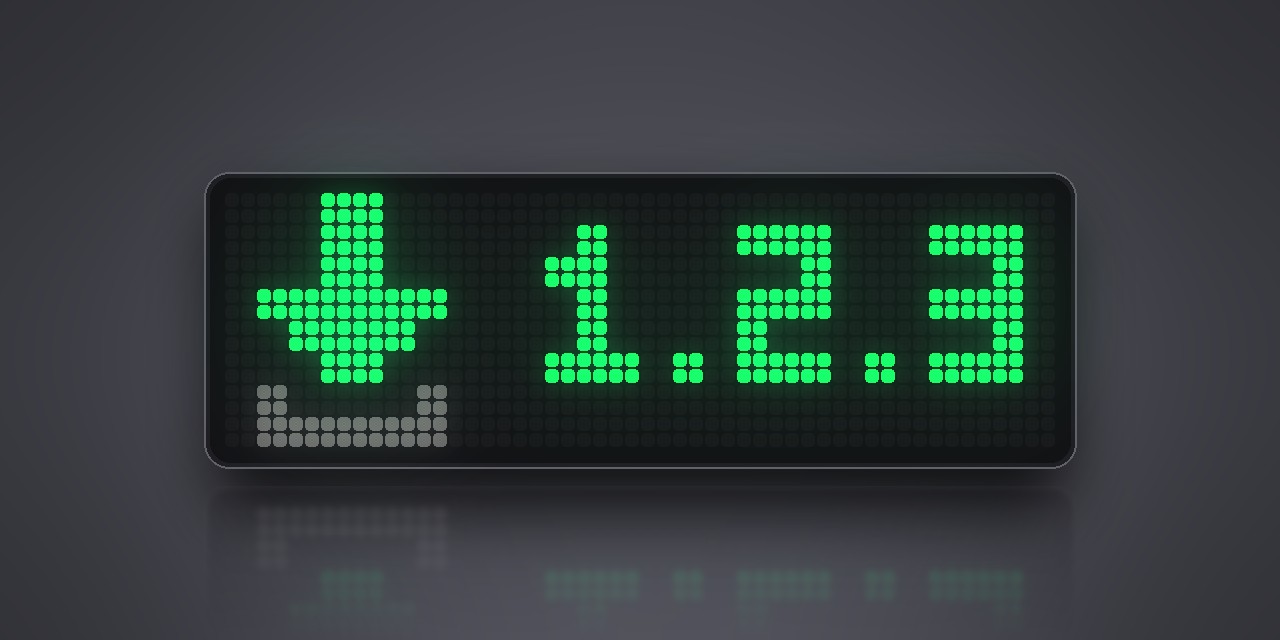
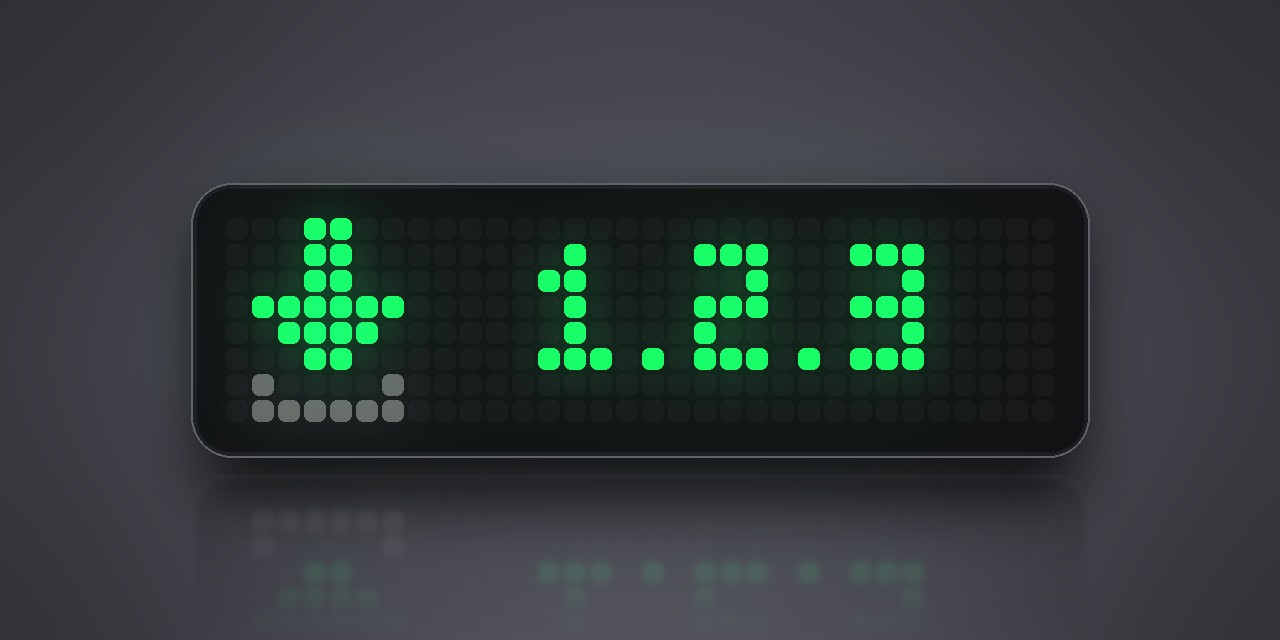
Once a new release is published, it joins the rotation: an arrow fills its tray like a download bar, next to UPDATE and the new version number. On the 52×16 panel you see the installed and the new version side by side. Pre-releases are ignored.
To install it, open your clock's web interface: System → Maintenance → Download & install.
Settings (Apps tab, gear on the app's row)
- Check every: how often GitHub is asked, 1 to 24 hours. Default 6.
- Notify once: also shows a notification with the new version the first time it appears.
The middle button checks again right away while the app is on screen.
Sign in to view and copy the code of this script.
Discussion 0
Ask a question, suggest a change or share how you use it.
No comments yet. Start the conversation.
More scripts in Miscellaneous
Something wrong with this script? Report it.
Have an idea?
Sign in to ask questions and join the conversation.