Netatmo
On your display
A page per room of your Netatmo Weather Station: temperature, humidity, CO2 and a 24-hour curve
- Topic
- Smarthome
- Includes
- Script · 11 icons
Runs on
- Runs on 32×8 (TC001 & DIY) 32×8 (TC001 & DIY) version
- Runs on 52×16 (TC002) Sign-in: open the app's settings on your AWTRIX, enter your client ID and press Sign in.
- Does not run on 32×8 with AWTRIX 3 (TC001 & DIY) Made for AWTRIX NG.
Choose your display in the next step.
Script description
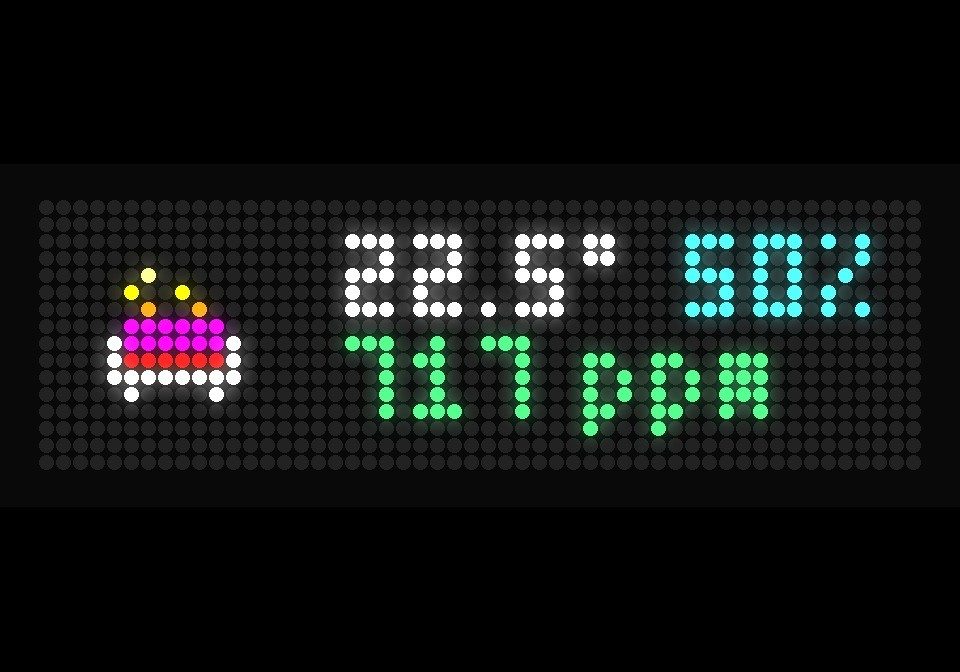
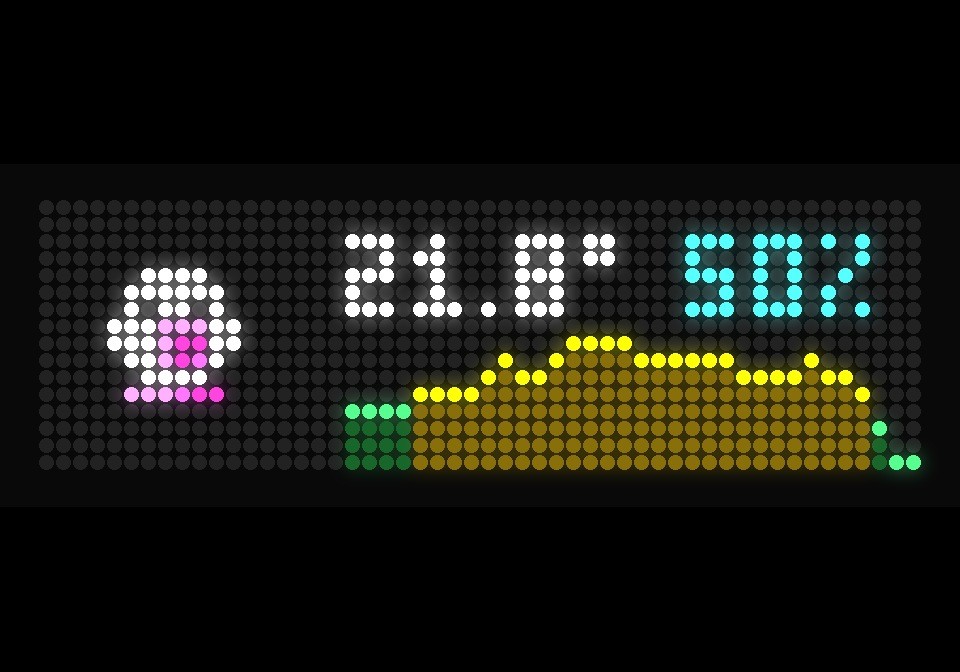
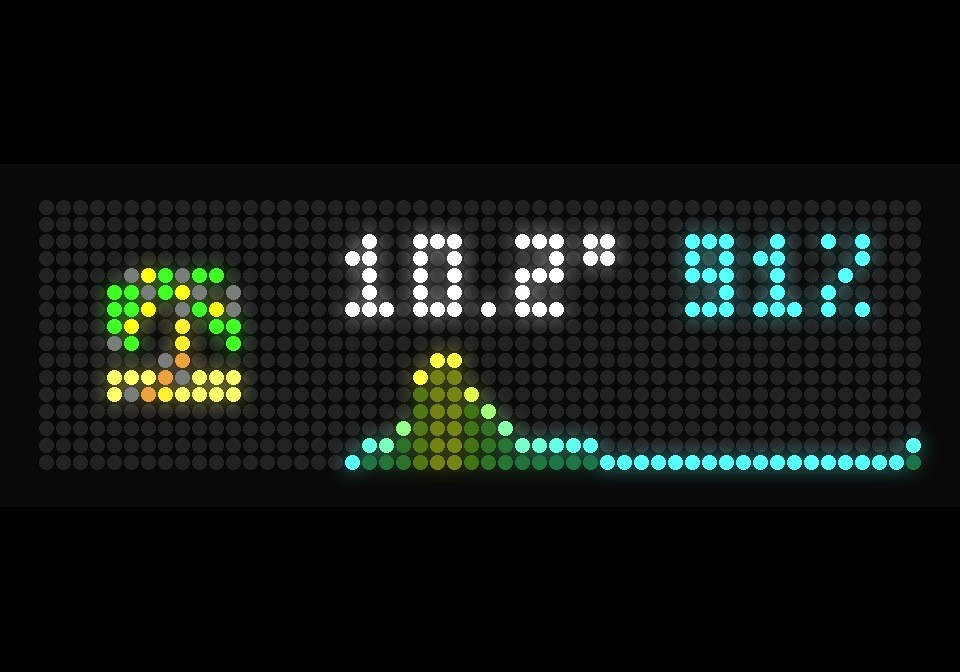
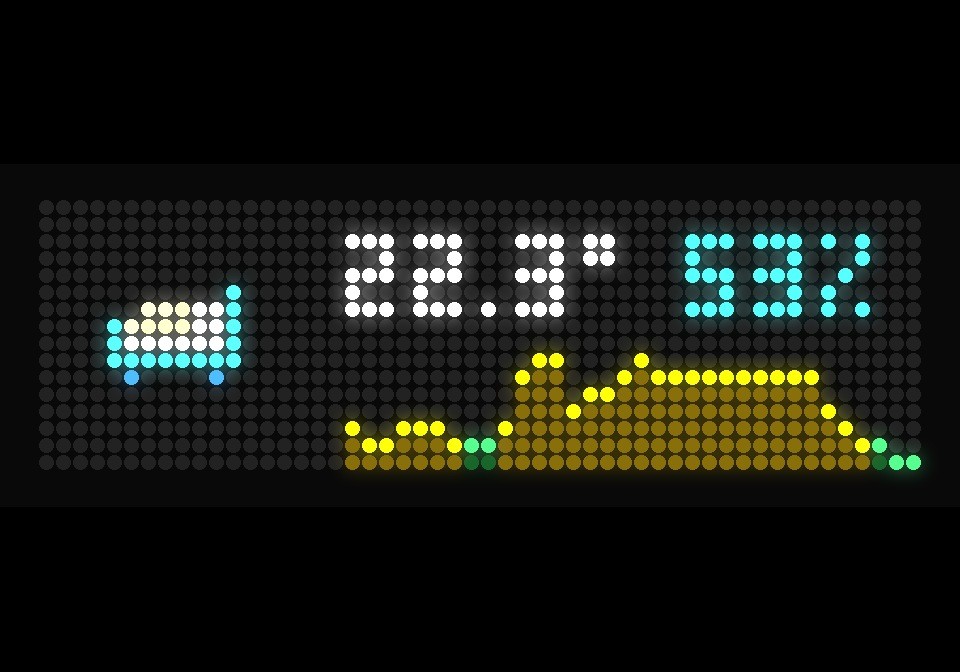
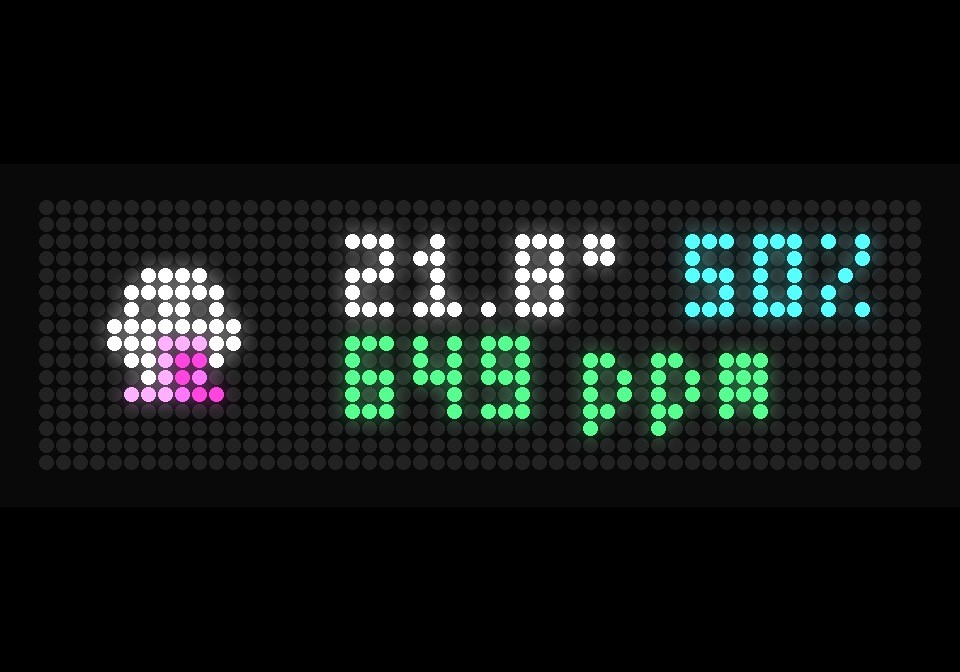
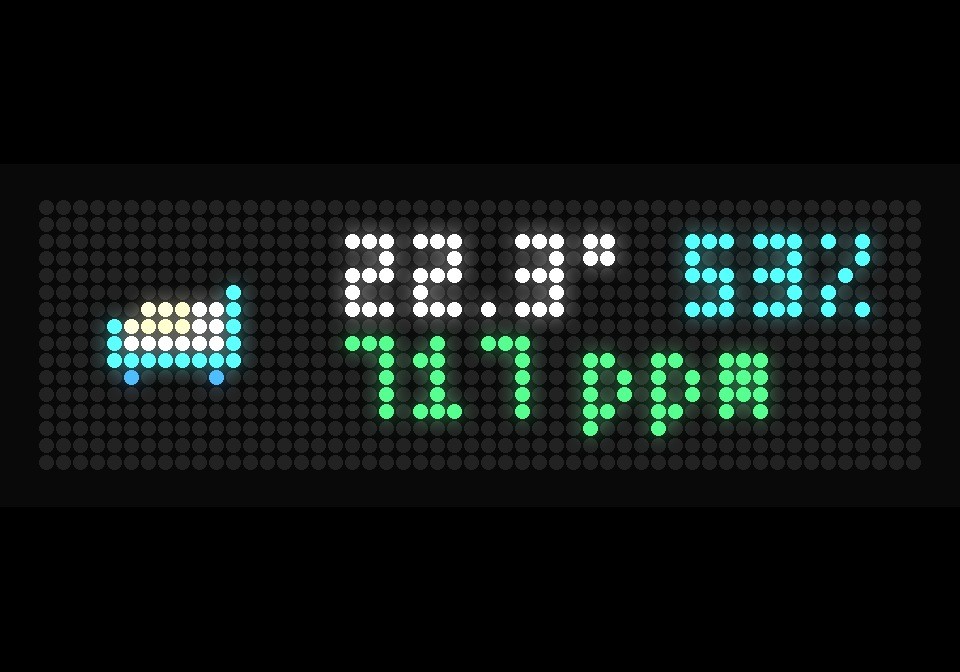
A page per room of your Netatmo Weather Station, like the Netatmo app on a LaMetric Time: the room's icon, temperature and humidity, the CO2 under them, and halfway through the page the CO2 of the last 24 hours as a curve. An outdoor module shows its temperature curve instead. The pages slide up one after the other.
- The values in white, the CO2 in green, yellow or red by your comfort limits, the units in grey
- The CO2 curve in the same colours, as the LaMetric's leaf
- Nine rooms by default, from Wohnzimmer to Balkon, with icons from the Hub installed along with the script; a room your station does not have gets no page
- Per room an icon from the Icons tab by name, or any LaMetric icon number
- Quiet hours: left out of the rotation at night, the readings keep coming
Setup:
- At dev.netatmo.com create an app with the redirect URI https://awtrix.de/oauth/callback
- Install the script, press ⚙ on Netatmo under Apps, paste Client ID and Client Secret into Sign-in and sign in at Netatmo
- Rooms: the module names as in the Netatmo app, each with an optional icon, e.g. Wohnzimmer:tv-on-animation, Balkon:36855
- The icons come along with the script when your Hub connection key is set under System → AWTRIX Hub
A TC001 has no sign-in for scripts: there the app renews a token from Netatmo's token generator itself, and LaMetric icon numbers have to be installed on the clock. How, and the source: https://github.com/rummeyer/awtrix-ng-netatmo
Sign in to view and copy the code of this script.
Discussion 5
Ask a question, suggest a change or share how you use it.
Newest first
Hi, Is it just the indoor unit that’s being recognised, not the room itself? I’ve added the devices in the study and garden to the Netatmo app. Room: Device Arbeitszimmer: SZ Eltern (indoor unit) Garten: Aussenmodul, Regenmesser, Windmesser [{"owner":"Netatmo","key":"modules","type":"string","value":"SZ Eltern, Windmesser, Regenmesser","ageMs":xxxxxx}] 22:43:45 [script:Netatmo] Netatmo: Windmesser not found; the station has SZ Eltern, Windmesser, Regenmesser 22:43:52 [script:Netatmo] Netatmo: Regenmesser not found; the station has SZ Eltern, Windmesser, Regenmesser 22:44:56 [script:Netatmo] Netatmo: Arbeitszimmer not found; the station has SZ Eltern, Windmesser, Regenmesser
Thanks for the script. I installed it on a TC002 with client ID an dsecret, but still get the default setup text on the clock. Any idea where my mistake may be? Where can I find the sign-in button? SOLVED - I installed the correct version and now I am singed in. But everything is empty. Any ideas about that?
Glad the sign-in works now! Empty pages almost always mean the room names don't match: the Rooms setting defaults to my German module names (Wohnzimmer, Küche, …), and a room the station doesn't have gets no page. Open http://<your-clock-ip>/api/v1/scripts/shared — under Netatmo.modules you'll see your station's module names exactly as Netatmo has them. The clock's log also says "… not found; the station has …". Put those names into Rooms (comma separated, e.g. Living room:sofa, Bedroom:bed) and the pages appear within a minute. If there's a red dot in the top right corner instead, Netatmo refused the token — sign in again.
Have an idea?
Sign in to ask questions and join the conversation.