UK Railboard
On your display
Live departures for up to two TfL or National Rail stations, with a "time to leave" chime and delay warnings.
- Topic
- Smarthome
- Includes
- Script
Runs on
- Does not run on 32×8 (TC001 & DIY) Made for 52×16 (TC002).
- Runs on 52×16 (TC002)
- Does not run on 32×8 with AWTRIX 3 (TC001 & DIY) Made for AWTRIX NG.
Choose your display in the next step.
Script description
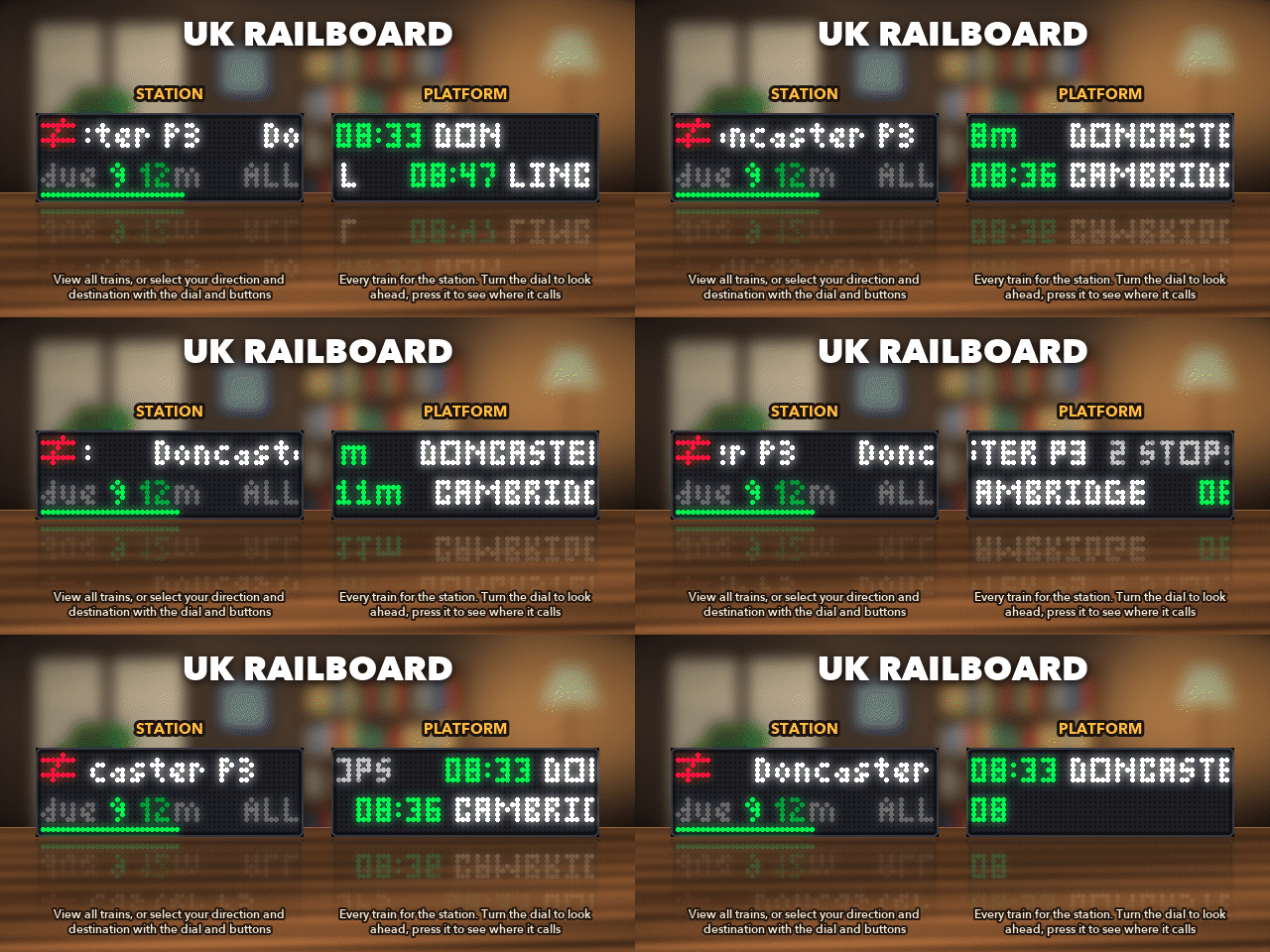
The next trains from your station, on your clock, so you know when to leave the house.
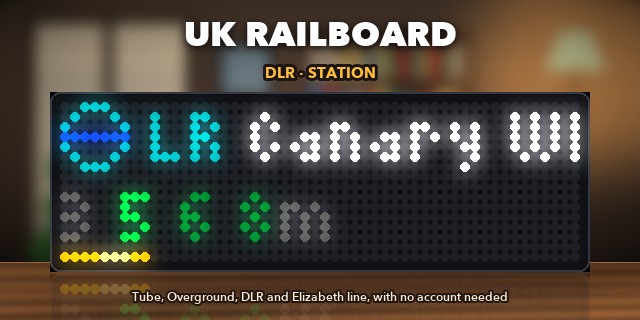
What you need: for London Underground, Overground, DLR and Elizabeth line stations, nothing: no account or key. For National Rail stations, a free key from the Rail Data Marketplace (sign-up steps below). Northern Ireland isn't covered.
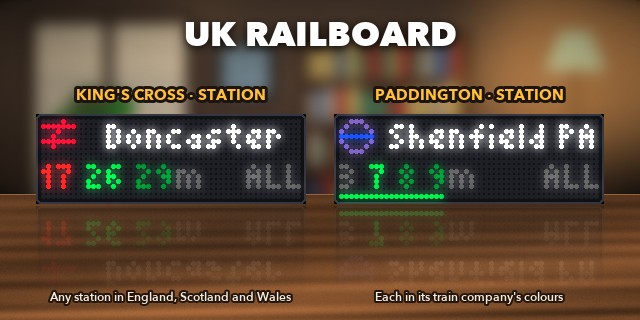
- Two stations: any TfL station by name, and any National Rail station in England, Scotland and Wales by its code.
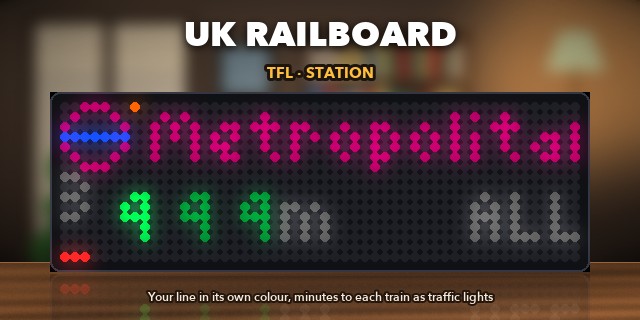
- Time to leave: tell it how long your walk is. Trains you can't make turn grey, and in Station style the bottom row counts down until you need to go.
- Leave chime: a tune, or a spoken announcement, a set number of minutes before your train, only on the days and hours you choose.
- Delay warnings: a lower tone when a train you'd catch is delayed or cancelled (National Rail).
- Directions: pick the direction or destination you care about, or let it sort trains by line, platform or destination.
- At a glance: line and operator colours, with icons for the TfL roundel, Merseyrail and ScotRail. Replacement buses and ferries show too.
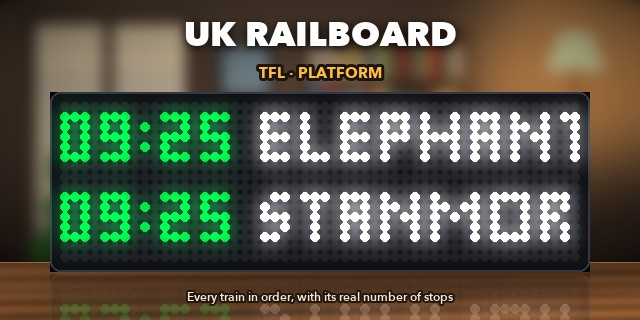
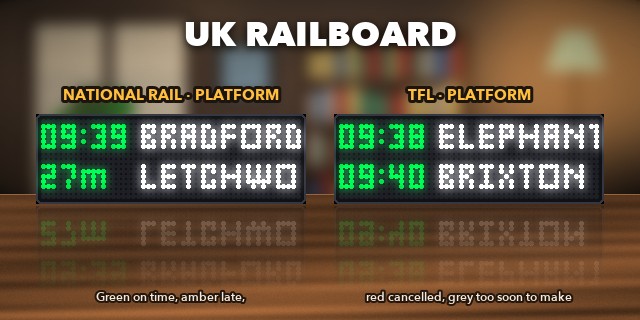
- Platform style: switch Style to Platform for a board like the one on the platform. It shows every train in order: the next one with its time and number of stops (real stops on TfL too), then the trains after it, printing in letter by letter.
- Your look: choose the font, capitals or letters as written, and whether to hide cancelled trains.
- Lively: the icons glint and swoosh, a little train runs through the icon when one is due, the station's name prints in when you switch, and new minutes drop into place.
Setup
On the clock's web page, open the Apps tab and press ⚙ next to UK Railboard. Under Station 1, set Type and Station, then save. That's enough to get going; everything else is optional.
- TfL: set Type to TfL and type the station's name, e.g.
High Barnet. If the name fits more than one station, add a word:Bank UndergroundorBank DLR. - National Rail: set Type to National Rail and enter the station's 3-letter code, e.g.
KGXfor London King's Cross (find yours). For the key:- Sign up at raildata.org.uk, free.
- Subscribe to the Live Departure Board product.
- Copy your key into National Rail key, under Keys.
For the chime, set Minutes to the station and turn on Leave chime under each station you use, then under Chime choose how early, and on which days and hours.
Using it
| To… | Do this |
|---|---|
| Look ahead at the trains after the next one | Turn the knob. It goes back to the next train after 10 seconds |
| See where that train calls, or where it is now | Press the knob (press again to go back) |
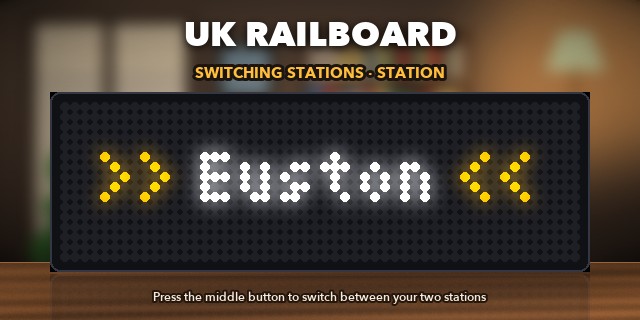
| Switch between your two stations | Press the middle button |
| Change direction | Hold the knob (or the middle button, if you only have one station). All comes first |
Times and minutes use traffic lights: green on time (bright for the first train you can catch), amber late, red cancelled, and grey for trains leaving too soon to make. A coloured dot by the icon means there's a problem on the line.
To choose your own directions, type station names into Directions, separated by commas, e.g. Cambridge, Peterborough. Each one becomes a view of the trains that go to or through it.
If something's wrong
| The clock shows | What to do |
|---|---|
| Add NR key | Add your National Rail key (see Setup) |
| key refused | Check the key. If it's right, copy the GetDepBoardWithDetails address from your Rail Data Marketplace subscription into National Rail URL |
| bad station code | That National Rail code doesn't exist. Check it in the list of stations |
| Station not found | Check the TfL station's spelling, or try a shorter name |
| offline | The clock can't reach the internet; check its Wi-Fi |
| rate limited | Raise Refresh every, or add a free TfL app key |
| No trains to … | Nothing in the direction you picked right now. Hold the knob to go back to All |
| HTTP 500 (or another number), bad reply, too big | The train service is having trouble. The app tries again by itself |
Sign in to view and copy the code of this script.
Discussion 4
Ask a question, suggest a change or share how you use it.
Newest first
Great update, thanks for adding the logo :) It would be great if it could show delays on cancelled trains!
Glad you're enjoying the update! So you know and I hope I'm misunderstanding you properly; delays show the time in "orange" (the time also adjusts to include the extra delay time). Cancelled trains are shown in "red". There's also a new feature that can hide cancelled trains: "Hide Cancelled Trains", so that you're never relying on a cancelled train.
Have an idea?
Sign in to ask questions and join the conversation.