Hi, thanks for your comment! The three scripts weren't duplicates. They were a menu tuner and a rotation card, plus a shared library they both needed, because a script can't be both @ondemand and in the rotation. Your comment made me rethink it, and that led to something much simpler: now there's just one app, with one view and all the controls on the knob. SomaFM Radio is updated and the other two pages are deleted.
ScriptAWTRIX NG
SomaFM Radio
On an AWTRIX display
On your display
Listen to SomaFM on your TC002's own speaker and see what's playing on the 52×16 display.
Which AWTRIX do you have?
See below where it runs, or choose your device.
- Topic
- Multimedia
- Includes
- Script
Runs on
- Does not run on 32×8 (TC001 & DIY) Made for 52×16 (TC002).
- Runs on 52×16 (TC002)
- Does not run on 32×8 with AWTRIX 3 (TC001 & DIY) Made for AWTRIX NG.
Choose your display in the next step.
Script description
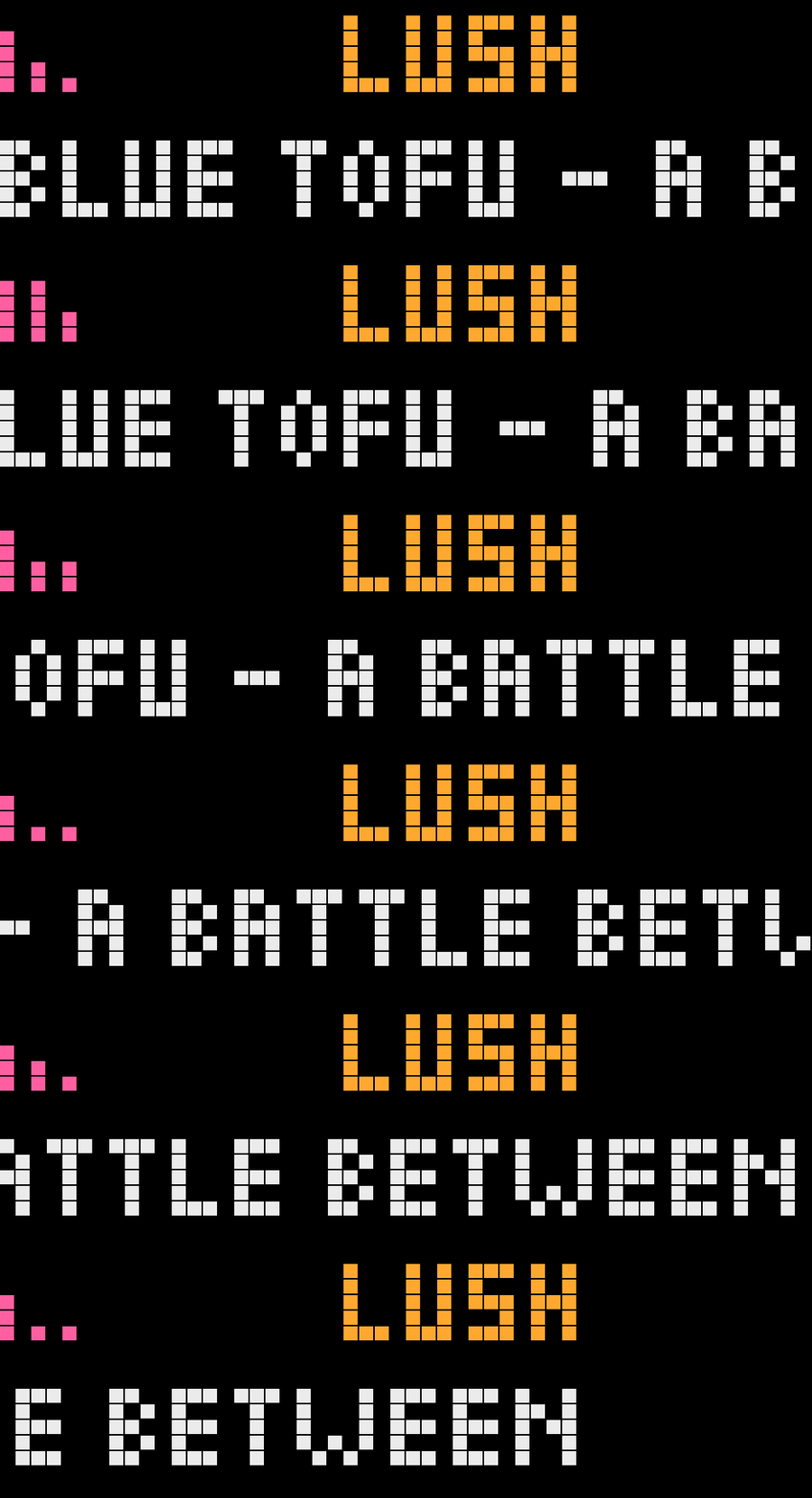
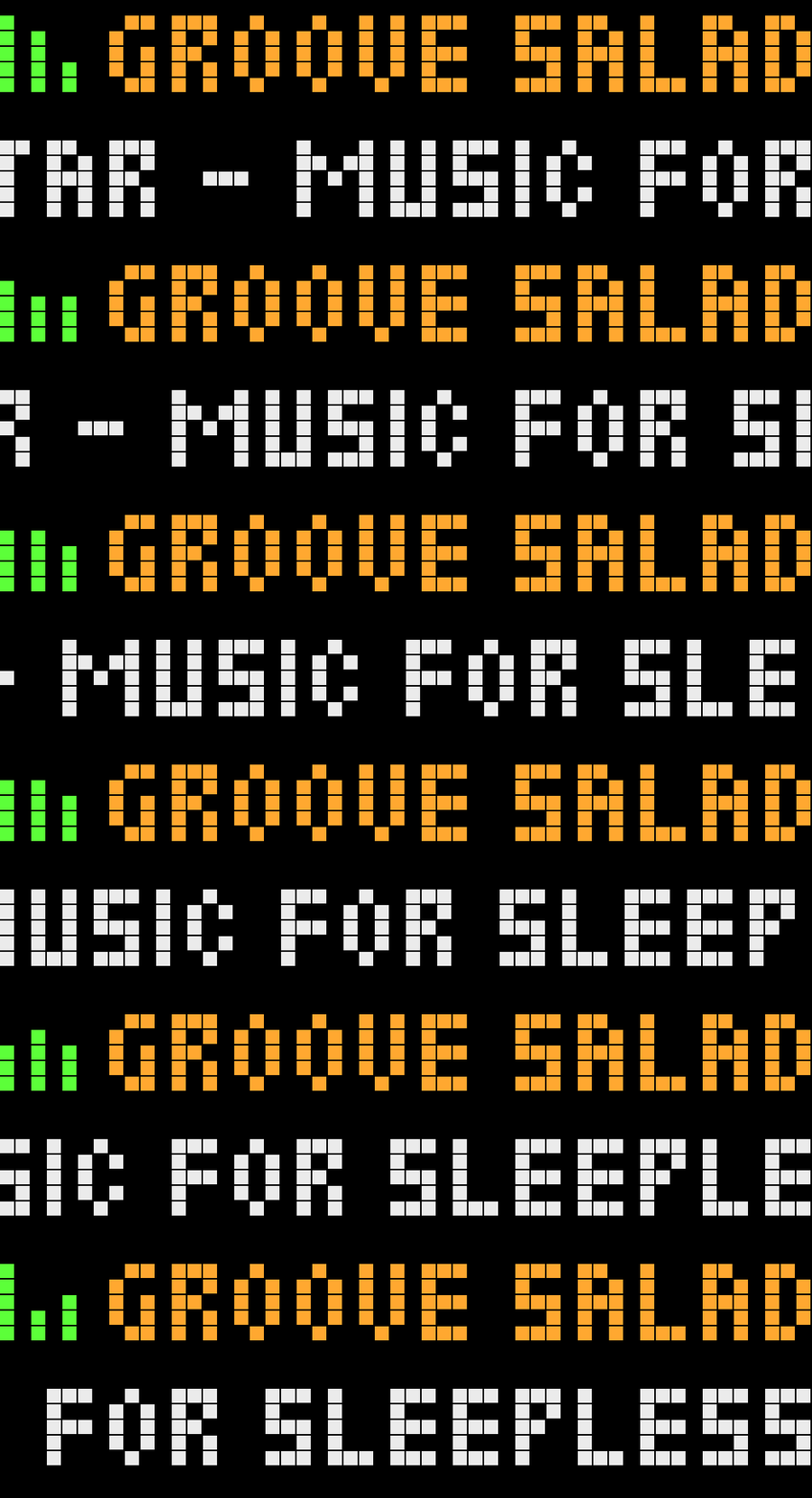
Listen to SomaFM on your clock's own speaker and see what's playing. Pick a channel with the knob, then read the channel, artist and title in the normal rotation.
Setup
- Install the script. No other scripts or accounts are needed, only a Wi-Fi connection.
- Keep it active in the rotation.
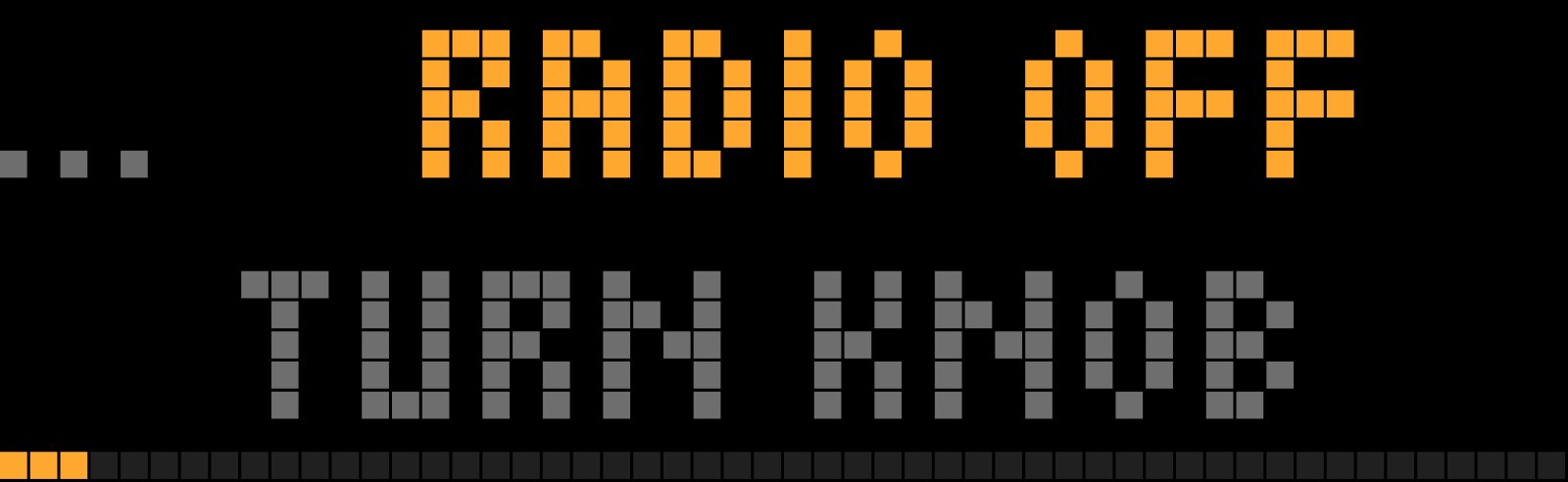
- When Radio off / turn knob appears, turn the knob to start your first channel.
Controls
| Knob | What it does |
|---|---|
| Turn | Moves through Radio off → ★ favourites → all channels. What you stop on plays after 0.6 s |
| Press | Turning sets the volume, until you stop for 2 s |
| Hold | Adds or removes the ★ favourite |
The knob works while the app is on screen. The left, right and select buttons keep their normal functions.
To stop the radio, turn to Radio off.
Good to know
- While SomaFM plays, the app takes a normal turn in the rotation.
- While the radio is off, it takes a 4-second turn so you can start it with the knob. To keep it out of the rotation, turn off Show when radio is off in the script's settings. You can then start it with Show on the Apps tab.
- While the app is on screen, the knob doesn't change brightness or the clock's volume.
- If you have version 1, delete the old
SomaFMtuner andsomafm_libafter updating. - To refresh the channel list after SomaFM adds or removes a channel, turn on Update channel list in the script's settings and save. It turns itself off again.
- You can also save SomaFM channels as stations in the Radio settings. Name them exactly like the channel (for example
Groove Salad), or include "SomaFM" in the name, so the app recognises them.
Requirements
An AWTRIX NG Ulanzi TC002 with a 52×16 display. Tested on firmware 1.2.3.
About
Unofficial hobby project, not affiliated with or endorsed by SomaFM but used with their permission. SomaFM is listener-supported, so please support them if you enjoy it.
SomaFM's streams and data are not free to use in other apps, and this permission doesn't carry over to forks. Read their Terms of Service before building on this code. Source code on GitHub
Sign in to view and copy the code of this script.
More scripts in Multimedia
Something wrong with this script? Report it.
Have an idea?
Sign in to ask questions and join the conversation.