Bitcoin Price
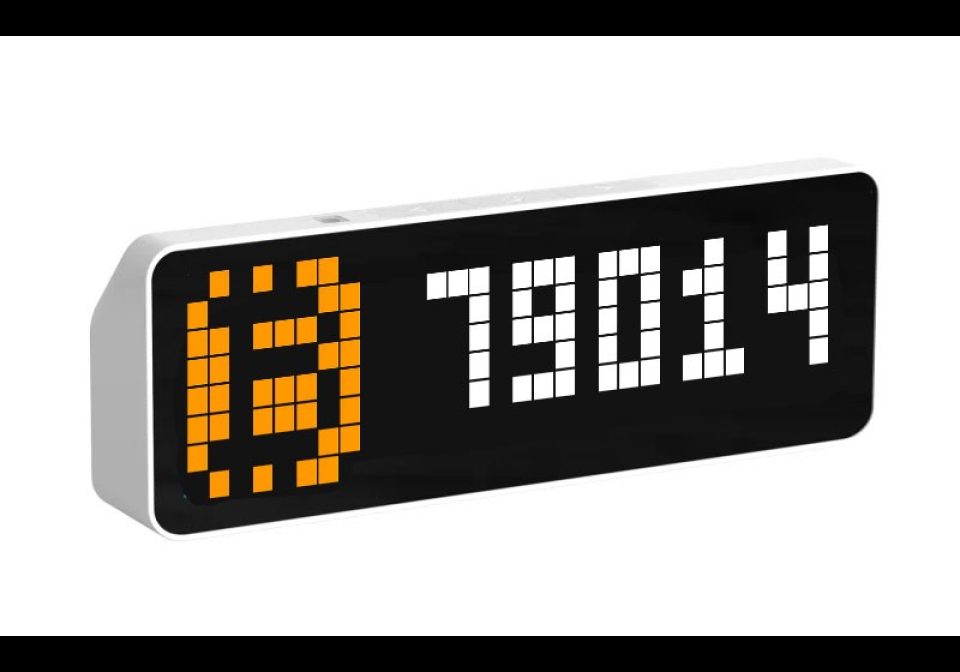

On your display
Displays the price of Bitcoin and the percentage change.
- Topic
- Miscellaneous
- Includes
- Script
Runs on
- Runs on 32×8 (TC001 & DIY)
- Runs on 52×16 (TC002)
- Does not run on 32×8 with AWTRIX 3 (TC001 & DIY) Made for AWTRIX NG.
Choose your display in the next step.
Script description
Only tested on Ulanzi TC001
¨¨¨¨¨¨¨¨¨¨¨¨¨¨¨¨¨¨¨¨¨¨¨¨¨¨¨¨¨¨¨¨¨¨¨¨¨¨¨¨¨¨¨¨¨¨¨¨¨¨¨¨¨¨¨¨¨¨¨¨¨¨¨¨¨¨¨¨¨¨¨¨¨¨¨¨¨¨¨¨¨¨¨¨¨¨¨¨¨¨¨¨¨¨¨¨¨
BITCOIN – price and the percentage change (4H / D / W / M / Y)
Shows the Bitcoin price on your clock, then its percentage change over the period you choose. The price and the percentage share the same color:
🟢 green when the price is up
🔴 red when it is down
⚪ white when it is stable (under 0.05% change)
How it works
The clock alternates between two screens: the icon with the price, then the change (for example D +0.34%). If the text is too wide for the display, it pauses briefly, then scrolls.
You can choose to only display the current price of bitcoin in white.
Settings available in the web interface (11)
Period: 4H, D (day), W (week), M (month) or Y (year)
Currency: USD, EUR or GBP
Price refresh: 1 to 120 minutes
Screen time: 1 to 15 seconds per screen
Custom icon: the name of an icon uploaded in the Icons tab. Leave it empty to use the built-in Bitcoin logo.
Decimal separator: dot or comma
Data sources: Binance, CoinGecko, Coinbase, Kraken, Bitstamp. Tick one or several: with several, they are used in rotation from one update to the next, and the next one takes over if a source fails. This helps you stay under rate limits.
Installation
In the clock’s web interface, create a new script named Bitcoin.
Paste the contents of the .ax file and save.
Open the script settings, choose your currency, period and sources, then save.
Good to know
The middle (select) button forces an immediate refresh.
A ~ in front of the percentage means the reference price could not be refreshed. The script retries automatically.
Binance is blocked in some countries (including the USA): tick another source in that case.
CoinGecko and Coinbase only provide the current price. For the change, Binance, Bitstamp or Kraken are required, and Kraken is used by default if none is ticked.
No API key needed.
Sign in to view and copy the code of this script.
Discussion 0
Ask a question, suggest a change or share how you use it.
No comments yet. Start the conversation.
More scripts in Miscellaneous
Something wrong with this script? Report it.
Have an idea?
Sign in to ask questions and join the conversation.