Now Playing for TC002
Use with Home Assistant Blueprint
Displays artist, title and playback progress from a HA media player
- Topic
- Multimedia
- Includes
- Flow
Runs on
- Does not run on 32×8 (TC001 & DIY) Made for 52×16 (TC002).
- Runs on 52×16 (TC002)
- Does not run on 32×8 with AWTRIX 3 (TC001 & DIY) Made for AWTRIX NG.
Flow description
Now Playing for AWTRIX NG (Ulanzi TC002)
Home Assistant blueprint · by Hank_the_Tank / Claude · for the 52×16 panel of the Ulanzi TC002
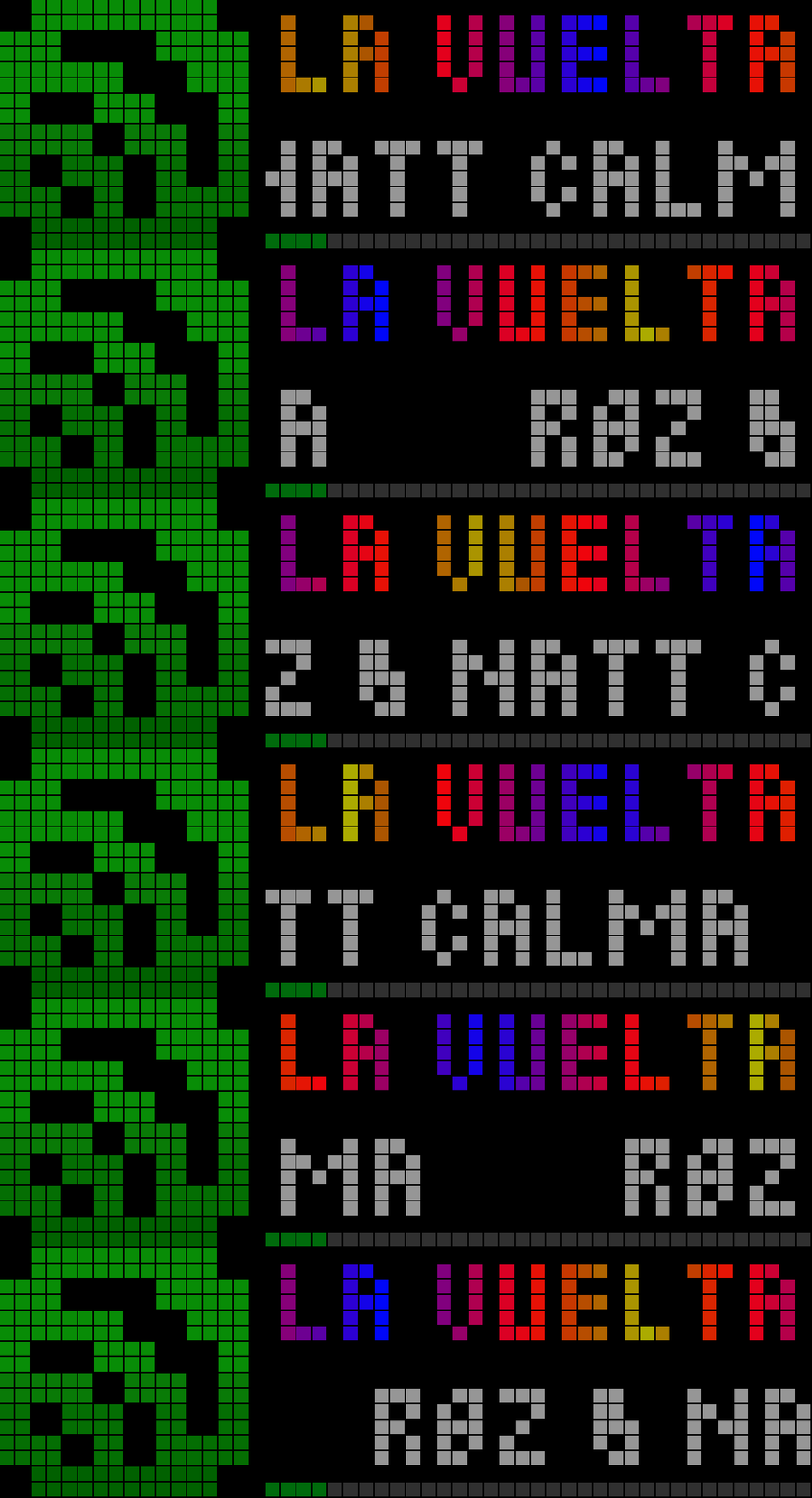
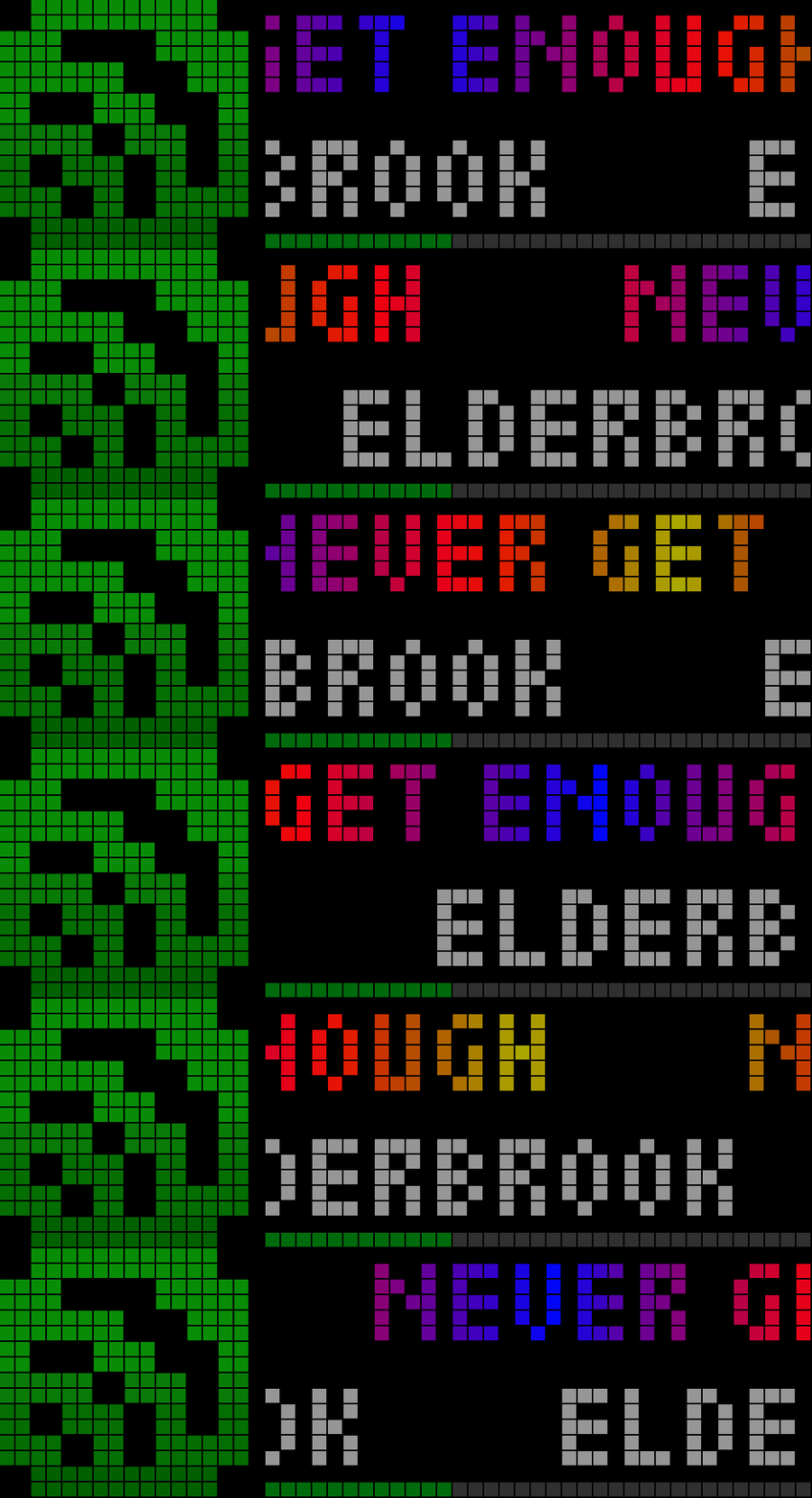
This blueprint shows what a Home Assistant media player is playing on your AWTRIX NG clock: the title, the artist and a progress bar that moves along with the track. It uses the full 52×16 panel through an AWTRIX NG layout. The app appears when playback starts and is removed again when it stops.
┌────────┬───────────────────────────────────────────┐
│        │  Bohemian Rhapsody        ← title          │  rows 0–7
│  icon  │  Queen                    ← artist         │  rows 8–14
│        │  ▬▬▬▬▬▬▬▬▬▬▬▬░░░░░░░░░░    ← progress       │  row 15
└────────┴───────────────────────────────────────────┘
Features
- Title and artist on separate lines. Short texts stand centred, long ones scroll in a seamless loop, each line on its own.
- Live progress bar. Uses the full width along the bottom row and is updated every 5 seconds from the player's position and duration.
- Icon of your choice. Use an 8×8 or a 16×16 icon, or none at all so the text uses the full width.
- Title colours:
- one fixed colour
- a two-colour gradient
- the built-in Party palette
- Gradient and Party can move along the text.
- Separate colours for the artist, the progress bar and the background.
- Cleans up after itself. When the player pauses or stops, the app is removed from the rotation.
- Only MQTT. No YAML beyond the blueprint, no extra integrations. It works with any
media_playerentity that reports title, artist, duration and position.
Requirements
- Home Assistant 2024.10 or newer with the MQTT integration connected to your broker.
- A Ulanzi TC002 running AWTRIX NG, connected to the same broker (web UI → System → MQTT).
- The MQTT prefix of the clock, shown on that page (for example
Awtrix_tc002). - The icon you want to use, installed on the clock (see Icon below).
The layout is written for the 52×16 panel. On a 32×8 clock (TC001) the regions do not fit, and AWTRIX NG rejects the update.
Installation
- Import the blueprint into Home Assistant: Settings → Automations & Scenes → Blueprints → Import Blueprint, then paste the link. Or copy the YAML file to
config/blueprints/automation/and reload the blueprints. - If you want an icon, install it on the clock first: in the AWTRIX NG web UI open the Icons tab and add it from the AWTRIX Hub, for example
apple-music-2. - Create an automation from the blueprint: Blueprints → AWTRIX NG – Now Playing TC002 (52×16) → Create automation.
- Enter the MQTT prefix, pick the media player and enter the icon ID. Save.
- Start playback. The app joins the rotation within a few seconds.
Settings
| Setting | Default | What it does |
|---|---|---|
| AWTRIX NG MQTT prefix | awtrixNG |
The prefix from the clock's MQTT page, without a trailing slash |
| Media Player | – | The media_player entity whose track is shown |
| Icon ID | (empty) | ID of an icon stored on the clock. Empty = no icon, the text uses the full width |
| Icon width | 8 px | Space reserved for the icon: 8 px for 8×8 icons, 16 px for 16×16 icons. A smaller icon is centred in it |
| Repeat | 3 | How many times long texts scroll before the rotation moves on. 0 = the clock's normal app duration |
| Title Color Palette | Custom (Color) | Custom (Color), Two-Color Gradient or Party |
| Title Color / Gradient Start | white | Title colour, or the first gradient colour |
| Gradient End Color | light blue | Second gradient colour |
| Gradient Movement Speed | 0.25 | How fast Gradient and Party move along the title. 0 = still |
| Gradient Width | 0 | Pixels per palette cycle. 0 = one gradient stretched across the whole title |
| Artist Color | grey | Colour of the artist line |
| Progress Color | light blue | Filled part of the progress bar (the empty part is dark grey) |
| Background Color | black | Background of the whole app |
Icon
Any icon from the AWTRIX Hub works, as long as it is on the clock:
- 8×8 icons with Icon width = 8 px leave 43 px for the text.
- 16×16 icons with Icon width = 16 px give a larger picture and leave 35 px for the text.
⚠️ If the icon is missing on the clock, nothing is shown. AWTRIX NG checks every layout completely and rejects the whole update when an icon cannot be loaded. If the app never appears, check the icon ID first, or clear the field to test without an icon.
How it works
- The automation runs when the player changes state, and every 5 seconds while it plays, so the progress bar keeps moving.
- It publishes a pushed app named
NowPlayingto<prefix>/cmd/apps/pushed/NowPlaying, using an AWTRIX NGlayoutwith up to four regions: icon, title, artist and progress. - Regions are matched by their ID, so the 5-second updates do not restart a scrolling title. Only the progress bar changes.
- When the player is not
playing, an empty payload removes the app. - A payload is about 0.5 KB, far below the 8 KB MQTT limit of AWTRIX NG.
Troubleshooting
- Nothing appears:
- The icon is not on the clock (see above).
- The MQTT prefix does not match the clock.
- The clock is not connected to the broker (web UI → System → MQTT).
- See why an update was rejected: subscribe to
<prefix>/cmd/apps/pushed/NowPlaying/result, for example with MQTT Explorer. AWTRIX NG answers every command there with{"ok":true}or an error that names the field. - The progress bar stays empty: some players do not report
media_duration/media_position. Title and artist are still shown. - The app stays after stopping: the player may report
pausedoridleonly later. The app is removed as soon as the state is no longerplaying.
Credits
- Blueprint: Hank_the_Tank, with help from Claude.
- Firmware: AWTRIX NG by Blueforcer.
- Icons: the AWTRIX Hub and its authors.
Sign in to view and copy the code of this flow.
Discussion 6
Ask a question, suggest a change or share how you use it.
Newest first
We are using the official AwtrixNG for TC002. The firmware is currently still in beta.
More flows for Home Assistant Blueprint or Multimedia
Something wrong with this flow? Report it.
Have an idea?
Sign in to ask questions and join the conversation.